Smart Capital

Dedicated app and responsive website
Project duration: August 2022
See the entire case study

The product:

Smart Capital is an non-commercial organization engaged in financial literacy trainings for young adults. The main idea is to create interesting and easy-to-learn lessons that users will love to repeat again and again until they really master the chosen topic.
Fewer than one-third of young adults possess basic knowledge of most important topics of financial literacy. The strategy team at Smart Capital has identified a lack of knowledge among young people about general financial issues or new ones such as the crypto world and NFTs.

The problem:

Project goal:

Design a dedicated app and a responsive website that will improve education of financial literacy and help young adults to successfully manage their budget.
UX designer leading the app and responsive website design from conception to delivery.

My role:

Responsibilities:

Conducting user research and interviews, paper and digital wireframing, low and high-fidelity prototyping, conducting usability studies, accounting for accessibility, iterating on designs and responsive design.

Research & Define

Summary

I conducted user interviews, which I then turned into personas and their empathy maps to better understand the users and their needs. I have found that many target users are interested in self-education and especially in better understanding of finances. I discovered that users would like to track their learning progress and achievements. It was also noticed that it is important for our users to have a strict study schedule, which means that adding a reminder function would be useful.

Design

Wireframing

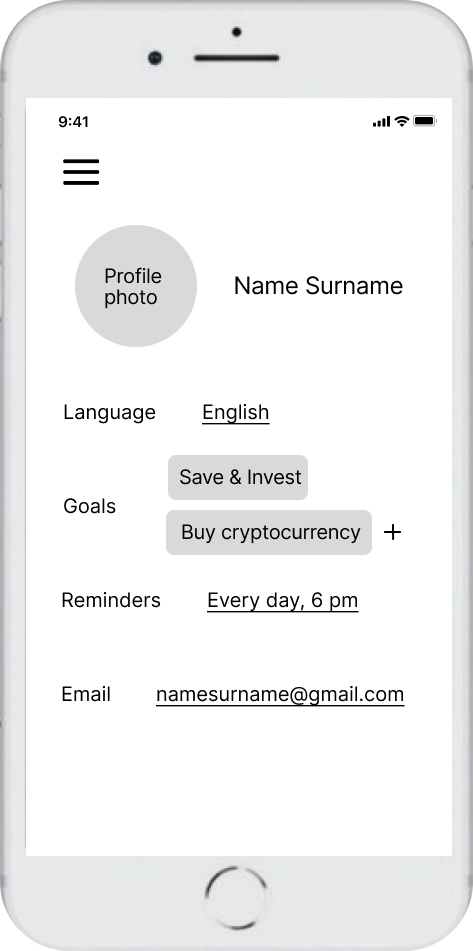
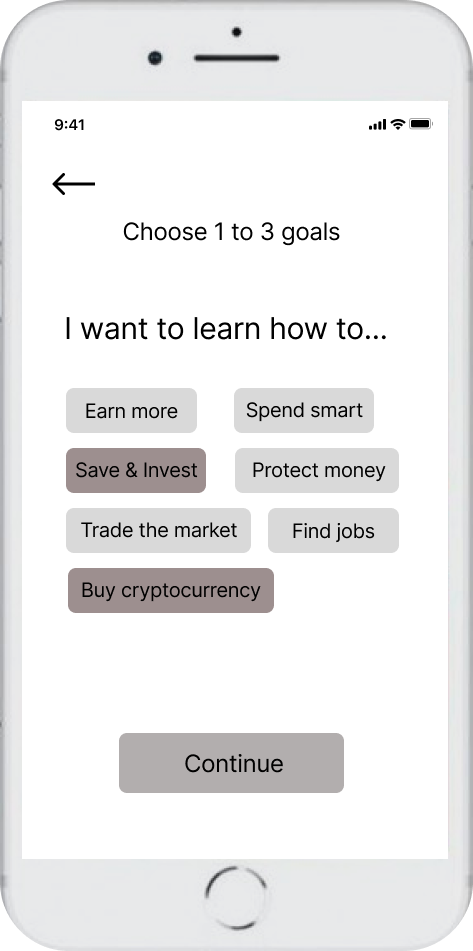
I’ve done some brainstorming exercises during the ideation phase and drafted paper wireframes. After that I started to create digital wireframes. These designs focused on the basic needs of users, namely filtering lessons by their goals and setting lesson reminders according to the user's chosen study schedule.

Low-fidelity prototyping

To prepare for usability testing, I created a low-fidelity prototype that connected the user flow of logging in/registering and starting to learn a new course.
View Smart Capital’s low-fidelity prototype

Usability study

Parameters:
Study type: Unmoderated usability study
Location: Ukraine, remote
Participants: 5 participants
Length: 15-20 minutes
Findings:
1. Change goals: People want to change their goals on the courses page to see more.
2. Homepage: People preferred to see more information on the homepage.
3. Interactive elements: People want to see more images, videos, links etc. within the lessons.

Refining the design

Mockups

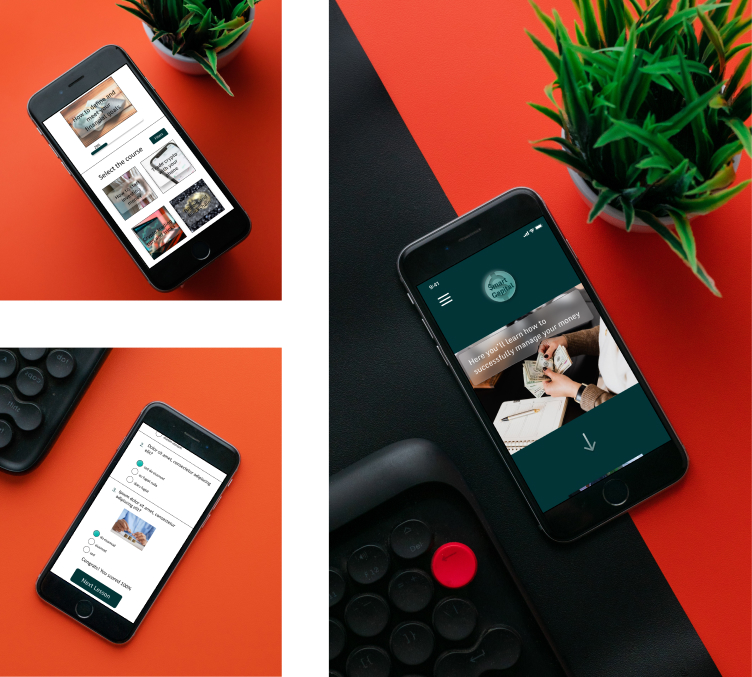
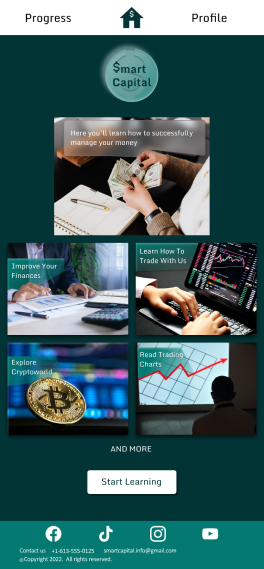
Based on the insights from the usability studies, I applied design changes like making the home page more developed and informative. There were added more relevant images and short descriptions of courses Smart Capital offers.

Additional design changes included adding an option to “See more” on the courses page. This function allows users to choose from all possible goals so that they can see more courses without changing their main goals in the app.

High-fidelity prototyping

The high-fidelity prototype followed the same user flow as the low-fidelity prototype, including design changes made after the usability study.
View Smart Capital’s high-fidelity prototype

Accessibility considerations

1. Clear labels for interactive elements that can be read by screen readers.
2. Headings with different sized text for clear visual hierarchy.
3. High color contrast in the text and buttons to make it easy for all users to navigate the site.

Responsive design

Information Architecture

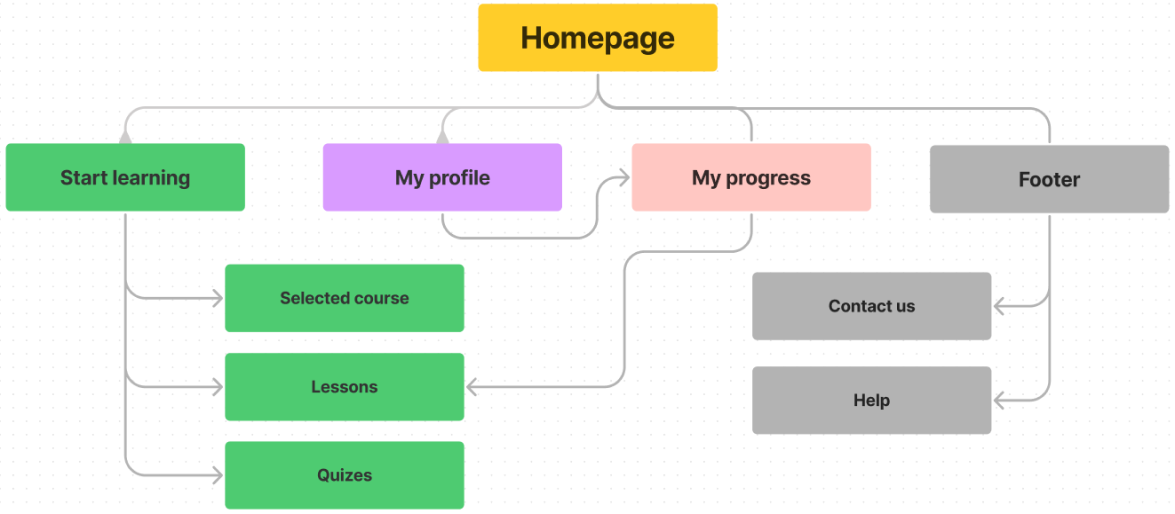
With the app designs completed, I started work on designing the responsive website. I used the Smart Capital site map to guide the organizational structure of each screen’s design to ensure a cohesive and consistent experience across devices.

Screen sizes

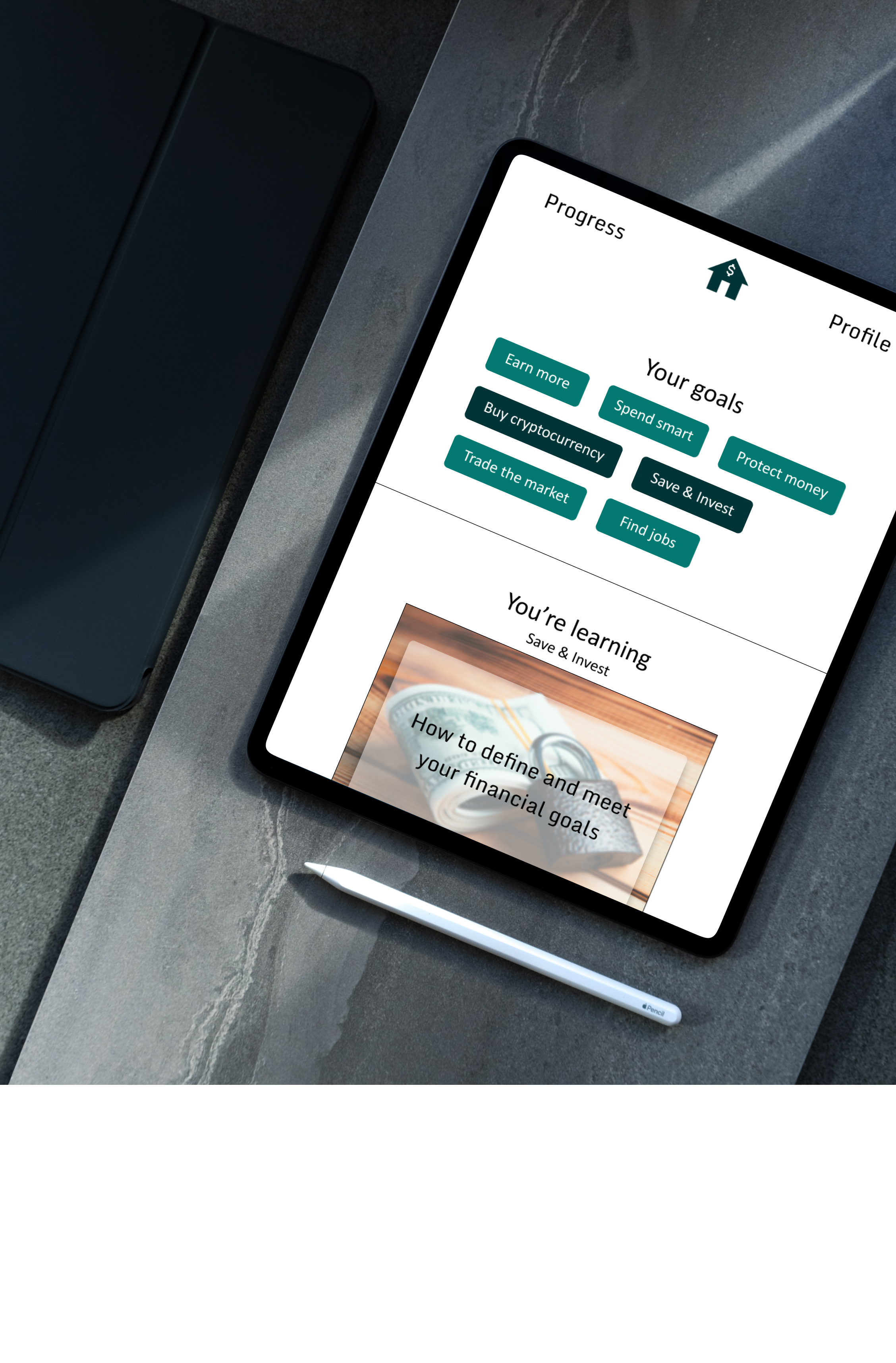
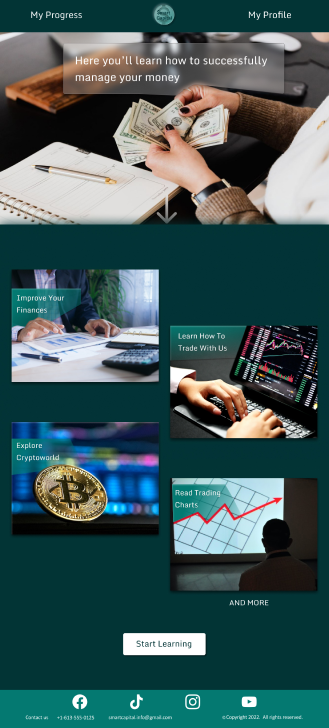
I’ve created the designs for screen size variation included mobile, tablet, and desktop. The designs were optimized to fit specific user needs of each device and screen size.
Mobile website
Tablet
Desktop

Impact

Users shared that the app and responsive website are helpful for self-educating and they would use this app in real life.
One quote from a usability study participant: “The app is great for easy learning even without any background education. I would definitely recommend Smart Capital app to my friends and use it.”

What I've learned

I learned that financial education is really useful knowledge that should be more accessible to all people. I also now know that it is very responsible and important to create a digital product for social good.